
Import from GitHub
GitHub issues become tickets the same way Jira issues do, and usually with no setup at all: if the GitHub command line tool is signed in, Herdloom uses that login to read issues.
When you need a connection
Section titled “When you need a connection”Add one under Settings, then Integrations, then Add connection, choosing GitHub. It takes the host,
your login, and a token with repo scope. You need it in two cases: for repositories your gh login
cannot reach, and for write-back, which the plain gh login never does.
Import issues
Section titled “Import issues”Press Import in the toolbar, pick the project, and paste issue URLs, one per line:
https://github.com/acme/web/issues/320https://github.com/acme/web/issues/331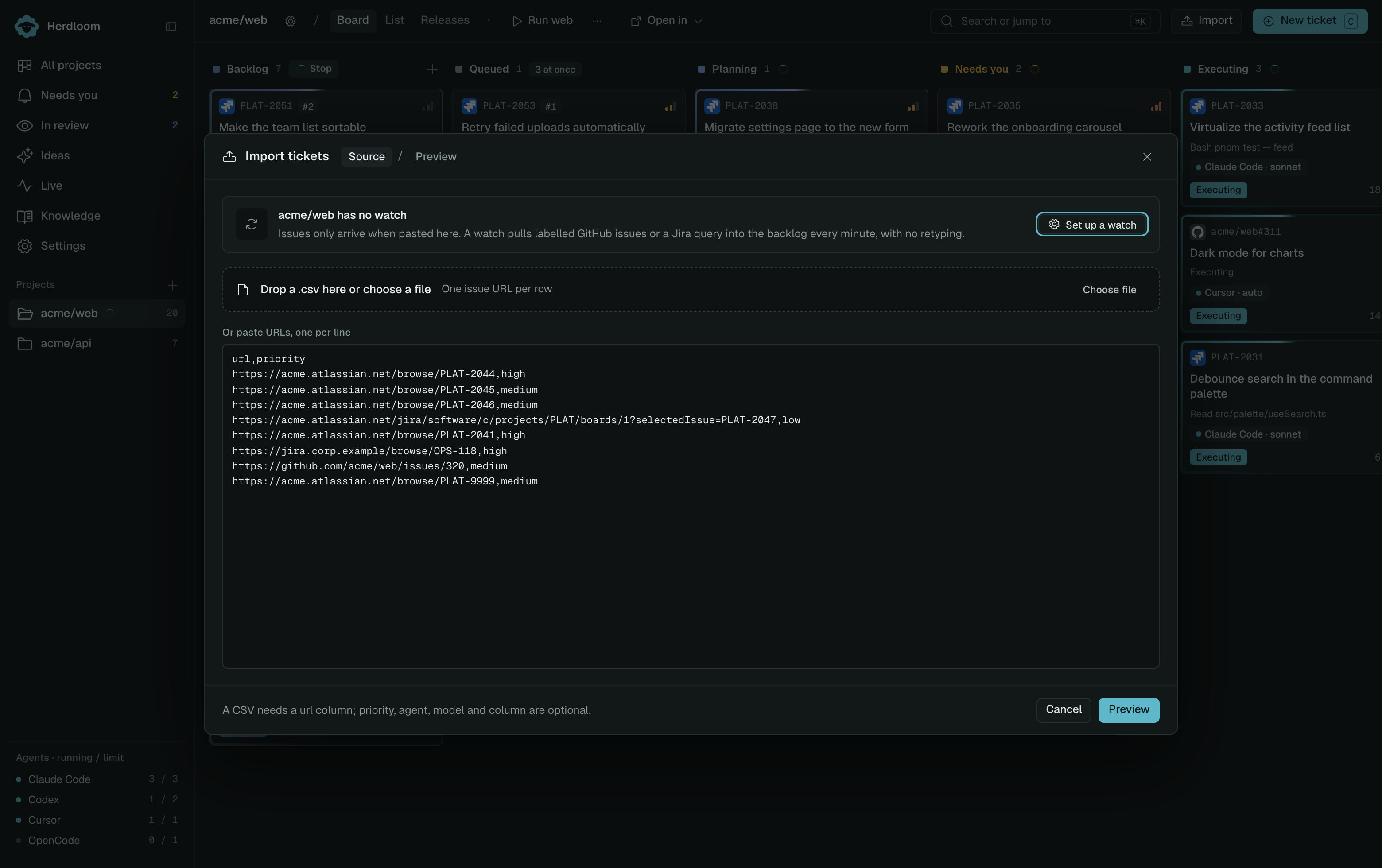
Preview shows each row as New, Already on board, Not found, or Other repository before
anything is created. The title, the body and the labels come across, the comments arrive as a section
at the end of the ticket, and a priority label such as p1, urgent or high sets the priority.
An Acceptance criteria heading in the issue body is kept as the ticket’s criteria. The ticket holds on
to the issue number and a link back to it. The second step sets the column, the default agent and
model, and whether the batch plans first.
An issue belongs to one project
Section titled “An issue belongs to one project”An issue from a repository other than the project’s own remote is refused, and the preview says which repository it is in and which one the project points at.
This is not a strictness for its own sake. The ticket’s branch is cut in the project’s repository, the
pull request is opened there, and the Closes #320 in that pull request only closes an issue in the
same repository. Importing acme/api#41 into a project whose remote is acme/web would produce a
branch and a pull request in the wrong place and an issue that never closes. Add acme/api as its own
project and import it there.
A project with no GitHub remote has nothing to compare against, so nothing is refused; the rule only applies where the project has a remote of its own.
What write-back does
Section titled “What write-back does”Write-back is off by default and is a switch on the connection, not on the project. With it on, and with the ticket imported through that connection:
- When an agent starts on the ticket, Herdloom comments on the issue with the agent and the branch
name, and adds an
in-progresslabel. - When a pull request opens, it comments with the link.
Herdloom does not close the issue itself. The pull request carries Closes #N, so GitHub closes the
issue when the branch merges, and the ticket moves to Done when the pull request does.
Let a label feed the backlog on its own with a watch, or see what happens once a branch is ready in pull requests.