
Watch a label
Importing by hand is fine for a one-off pile. For a backlog that keeps arriving, give the project a watch: a GitHub label or a Jira query it checks on its own, so labelling an issue is the whole workflow.
Where a watch lives
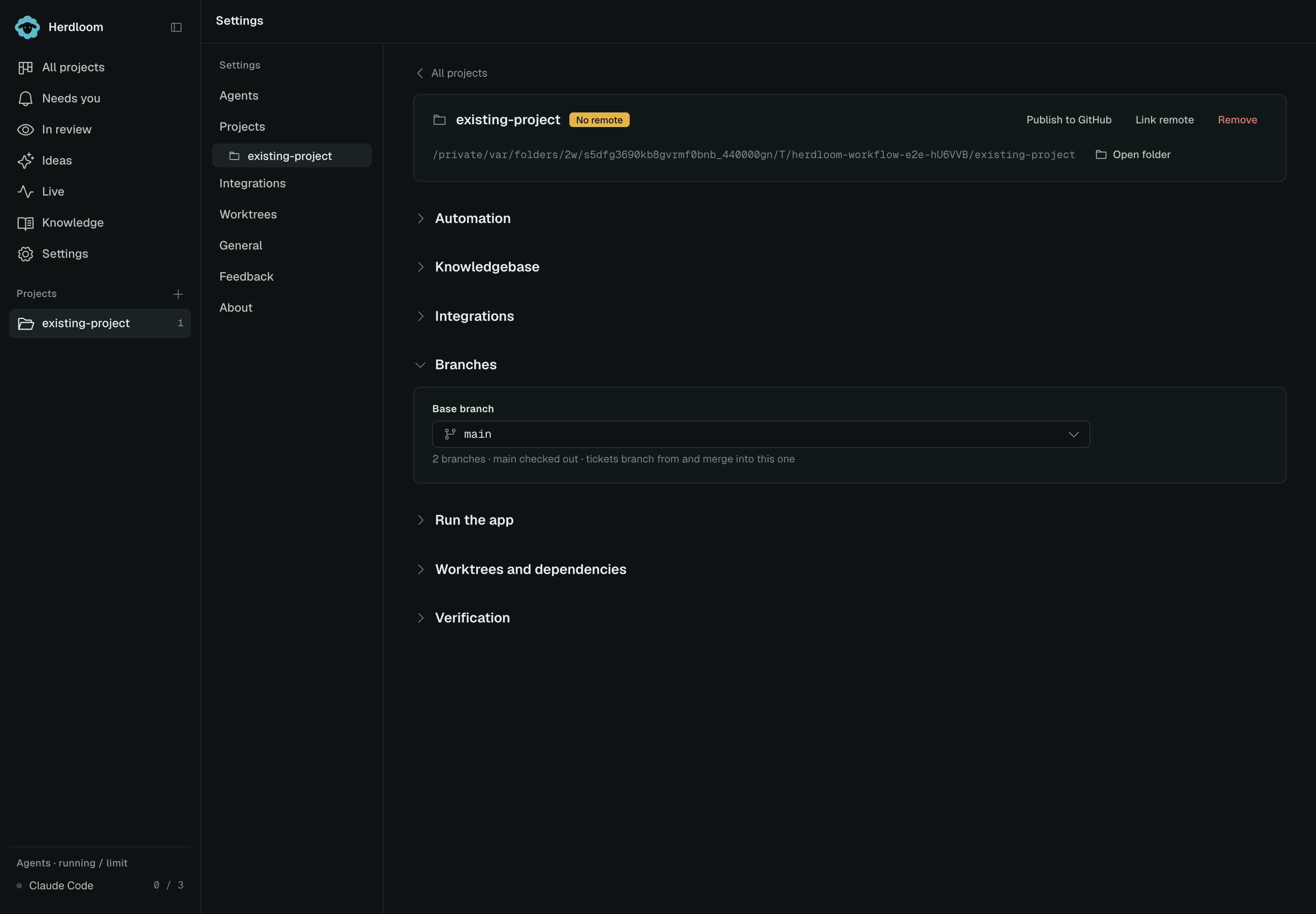
Section titled “Where a watch lives”A watch belongs to one project. Open the project’s settings from the gear on its board lane, or from Settings, then Projects, and open the Integrations section. The import dialog also shows the current project’s watch as a card, with Set up a watch when there is none.
GitHub
Section titled “GitHub”Switch on Watch GitHub issues. The project needs a GitHub remote; the switch only appears when it has
one. Below it is the label, sheep by default. Herdloom creates that label in the repository the
moment the watch is turned on, or when you rename it, so it is there to apply the first time you go
looking for it.
From then on, every open issue in that repository carrying the label becomes a backlog ticket.
Pick a Jira connection, then give it a query. The default is:
labels = sheep AND statusCategory != DoneAny JQL works. Narrow it to one project, one component, one fix version, or one person’s queue; the watch pulls whatever the query returns.
A project can watch both at once.
How it behaves
Section titled “How it behaves”It checks every minute. New issues land in Backlog within a minute of being labelled.
Issues already on the board are skipped. Matching is by issue key, so an issue that was imported by hand, or pulled a minute ago, is never added twice. This also means a manual pull is always safe.
Tickets arrive with the project’s defaults. They land in Backlog with the agent and model from the project’s Executes with row, and whatever priority and labels the issue carries. They wait there like any other backlog ticket until you queue them, or until the Backlog rules triage and queue them for you.
Nothing is written to the issue. A watch is read-only. The first thing that can ever be written back is the comment an agent’s start posts, and only when write-back is on for that connection.
Pull now
Section titled “Pull now”A minute is not long, but it is long enough to be annoying when you have just labelled something.
The watch card in the Import dialog has Pull now, and reports how many tickets it added. The project’s Integrations section has Check now beside each watch, which does the same thing. A pull that arrives while the minute check is already running shares that result rather than reporting nothing new.
Put the arriving backlog in order with triage, or turn on write-back for Jira or GitHub.