
Take the tour
After the setup check, Herdloom asks where you would like to start. Both answers take a minute and neither is permanent.
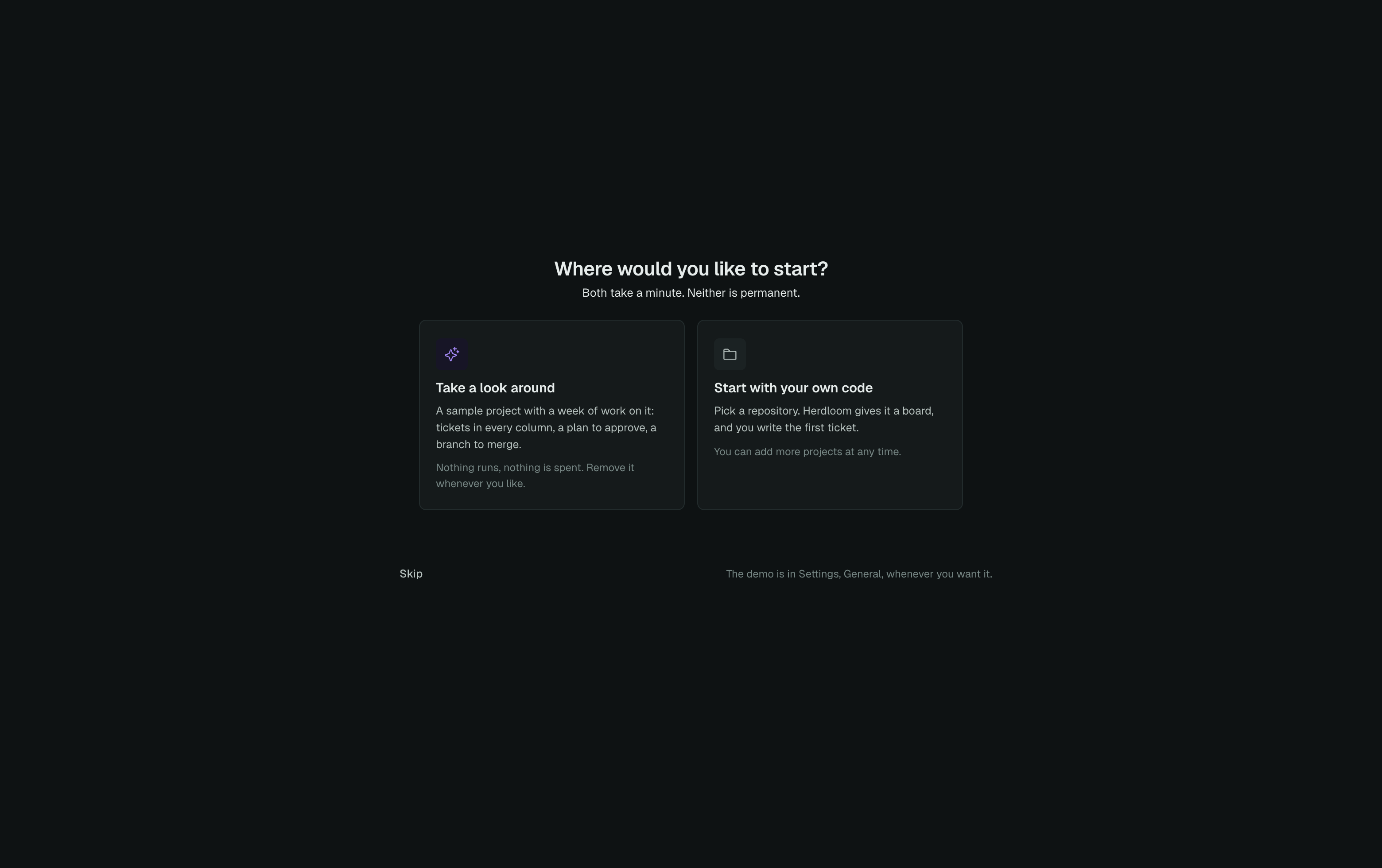
Take a look around loads a sample project and runs a guided tour over it. Start with your own code goes straight to picking a repository, which is your first ticket.
The sample project
Section titled “The sample project”Meadow (demo) is a small repository Herdloom writes under its own folder, with a board that already has a week of work on it: two triaged ideas in Backlog, one ticket queued, a plan waiting for approval in Needs you, a reviewed branch with its diff and its verdict in In review, and two landed tickets in Done.
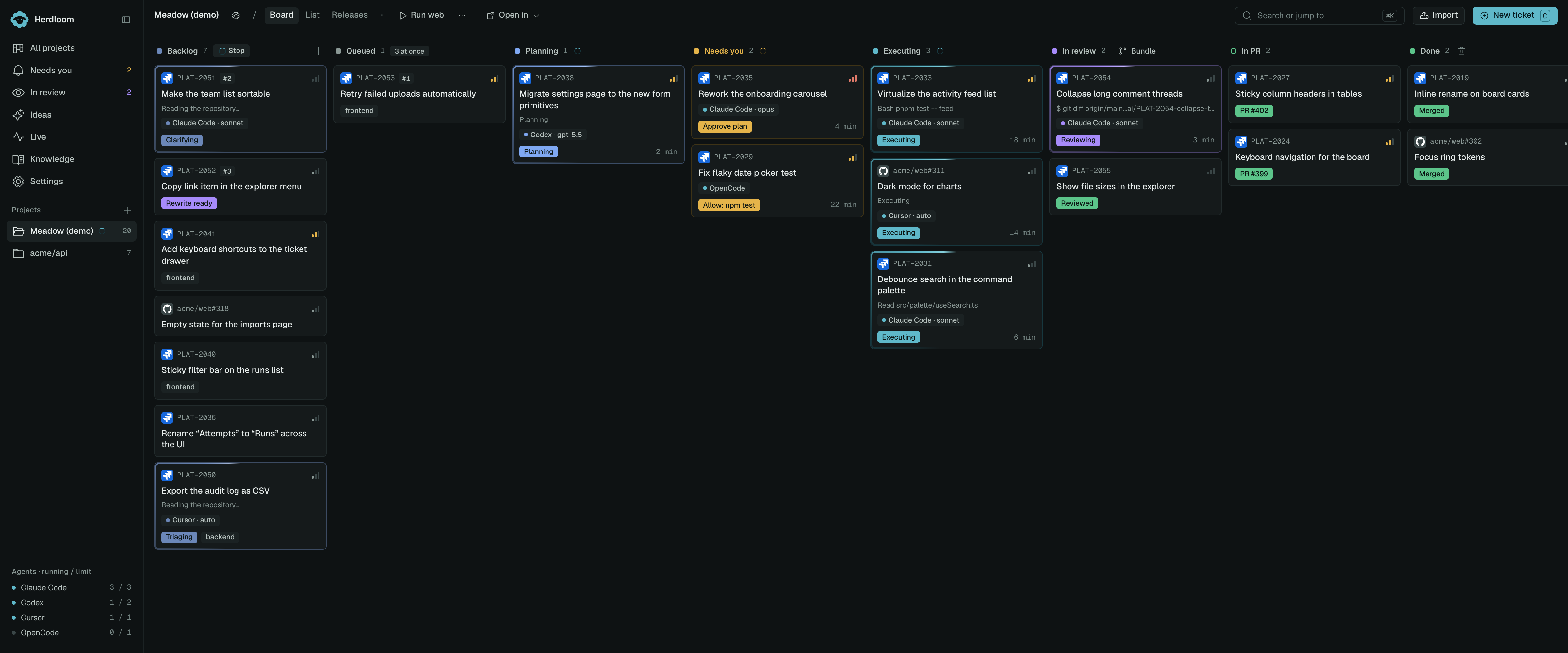
The runs, events and approvals behind those cards were written directly rather than produced by an agent. That means you can approve a plan, reject one, read a real diff and merge a branch without an agent ever starting and without spending anything. No agent ever runs on this project: starting a run on it is refused, and automation skips it.
The tour
Section titled “The tour”While the sample project is loaded, a fifteen-step tour runs over the real app, not a video of it. The screen dims, a cutout opens around the element being explained, and a card sits beside it with one paragraph and Next.
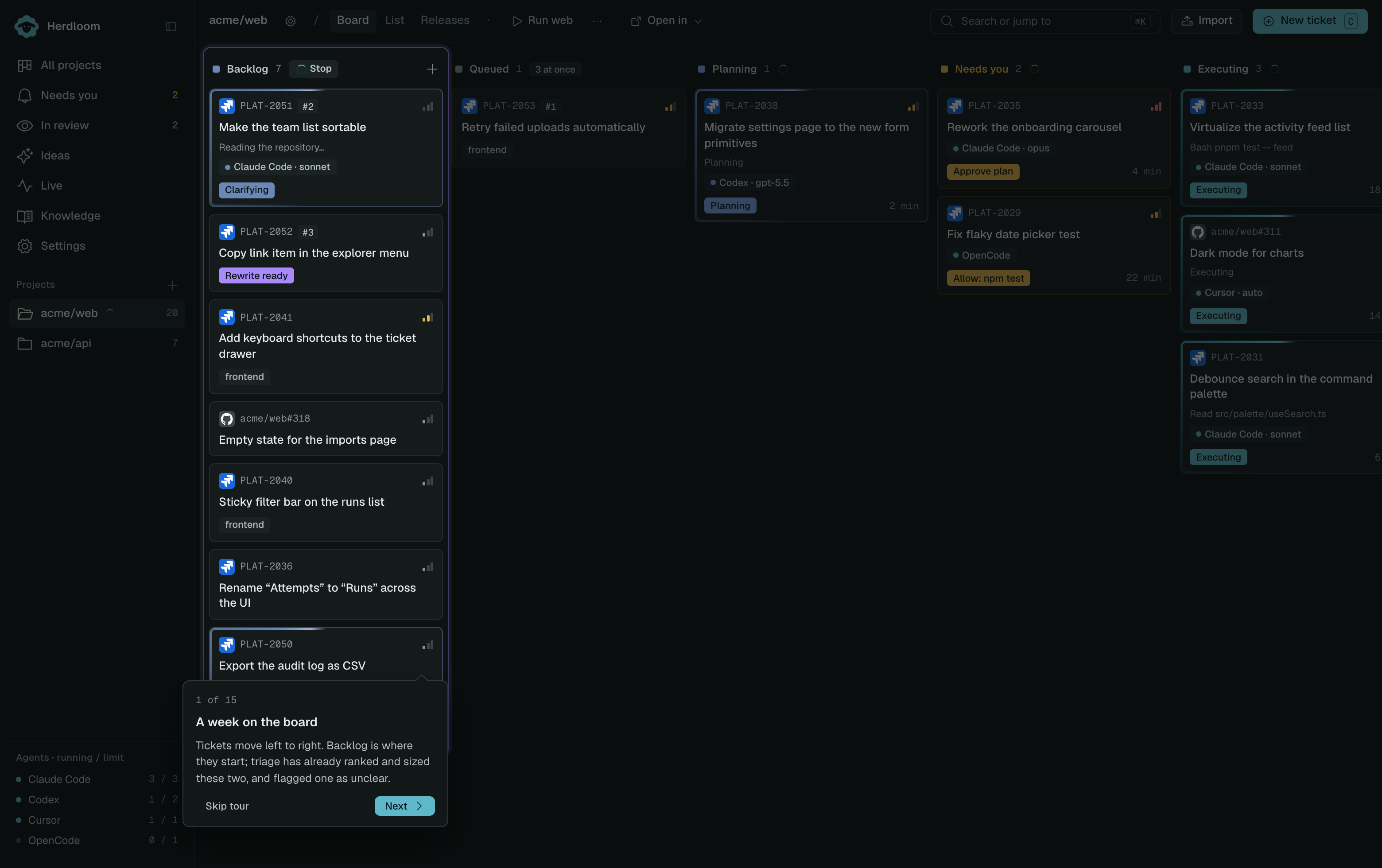
It starts on the board and the meaning of the columns, walks through a plan waiting for approval and a branch a second agent has already reviewed, then moves into the project’s automation ladder row by row and ends in the knowledgebase section, including the create dialog.
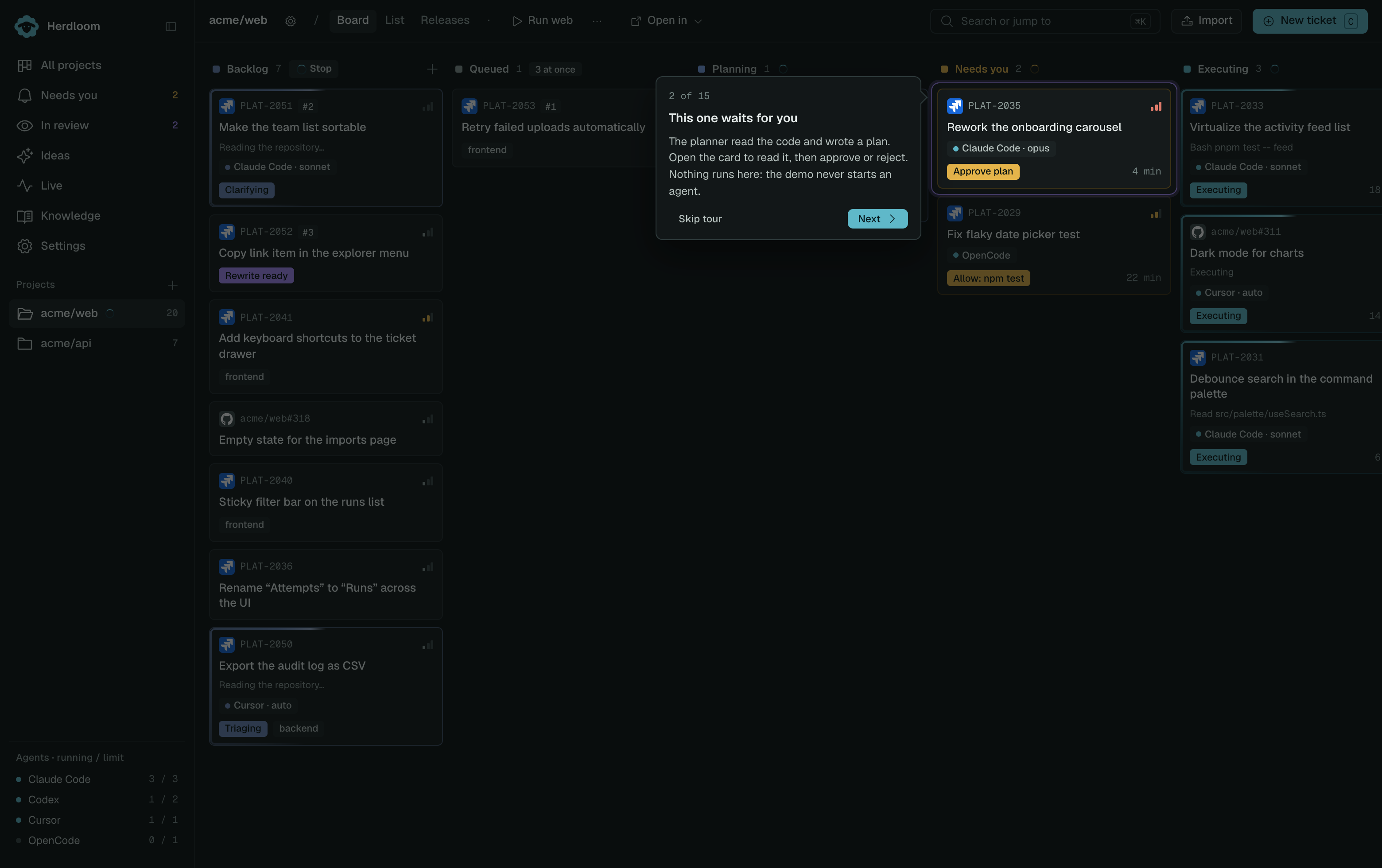
Each step waits for the state it talks about before it appears, skips itself when its target is not on the page, and scrolls a target below the fold into view. It hides while a dialog or the ticket drawer is open and comes back when you close them. Skip tour ends it at any point.
Starting either one again
Section titled “Starting either one again”Settings, General keeps both under Learn the app: Show the intro replays the six first-launch pages, and Run the demo tour starts the tour again. The sample project itself can be loaded again from the same place if you removed it.
Read how the board maps to the phases of a run, or point Herdloom at a repository and write your first ticket.